
How to Get Jefferson Parish Court Records
Where do the files live? The Jefferson Parish Clerk of Court keeps the records. They cover the 24th Judicial District Court, First Parish Court, Second Parish Court, and Juvenile Court. JeffNet is the online access point for case records. The eClerks LA Statewide Portal is a separate statewide gateway. It covers selected parish searching and Criminal Search. Neither route covers every document image, minute detail, or restricted filing. A city or Mayor's Court record belongs with the local clerk that court names. Give the clerk as much as you can when asking for a file. A case number is the best start. Add the court, the division, and the document or event you need. Say whether an ordinary or certified copy is wanted. No number handy? A party name plus a date range can narrow the request. The main line can confirm routing and current charges. A written request works best whenever a court or clerk must locate and copy a record.
- Identify the issuing court, case number, party name, and the record layer needed, such as a docket, order, minute entry, image, or transcript.
- Use JeffNet or eClerks LA for the available online index, case activity, or document path.
- Use the Clerk's public computers or the appropriate records desk for no-cost inspection of available pleadings.
- Call the Clerk or court to confirm custody, then send a written request by mail when the record must be produced by staff.
- State the delivery choice, request an estimate if needed, and pay the applicable copying or certification charge after confirmation.
Note: An online lookup can find the case. It still cannot replace the responsible clerk's copy, certification, or restriction decision.
Jefferson Parish Court Record Access Channels
Jefferson Parish gives a requester more than one way in. The Clerk's 24th JDC records page lays out public computer access at the courthouse. It also covers the records services the office provides. A courthouse workstation fits a simple need. It suits anyone who just wants to read a pleading without paying to download it. For remote access there is JeffNet. The 24th JDC's public-record request procedure works best when you want one defined record held by the court or the clerk.
Phone, mail, counter service, faxed or emailed copies, and electronic filing all count as channels. Electronic filing applies to eligible users. First Parish, Second Parish, Juvenile, municipal, and Mayor's Court matters each run through their own courts. Send the request to the court that owns the case, not the one nearest your address. Tickets take a different route. A traffic ticket or city citation should go first to the court printed on the ticket itself.
The Jefferson Parish Clerk electronic-recording interface shows the office's online service environment for recorded documents.
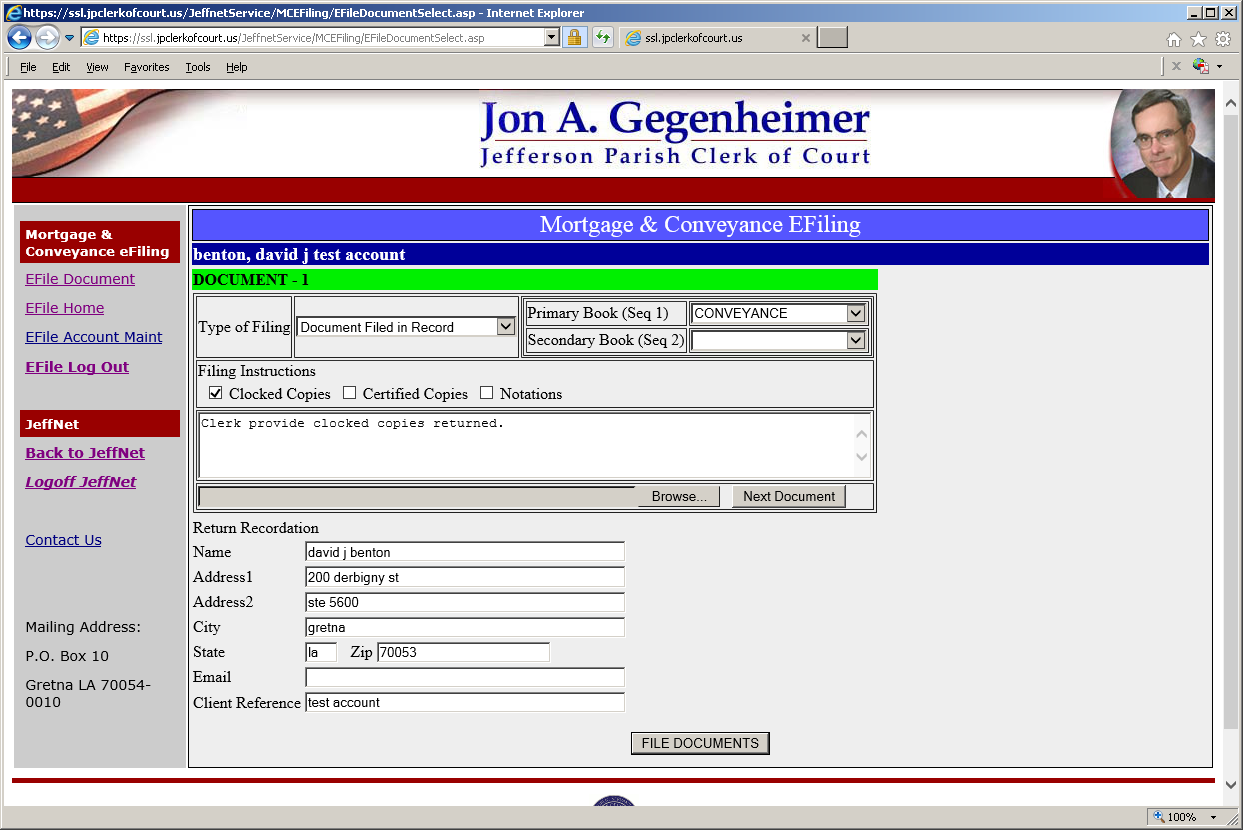
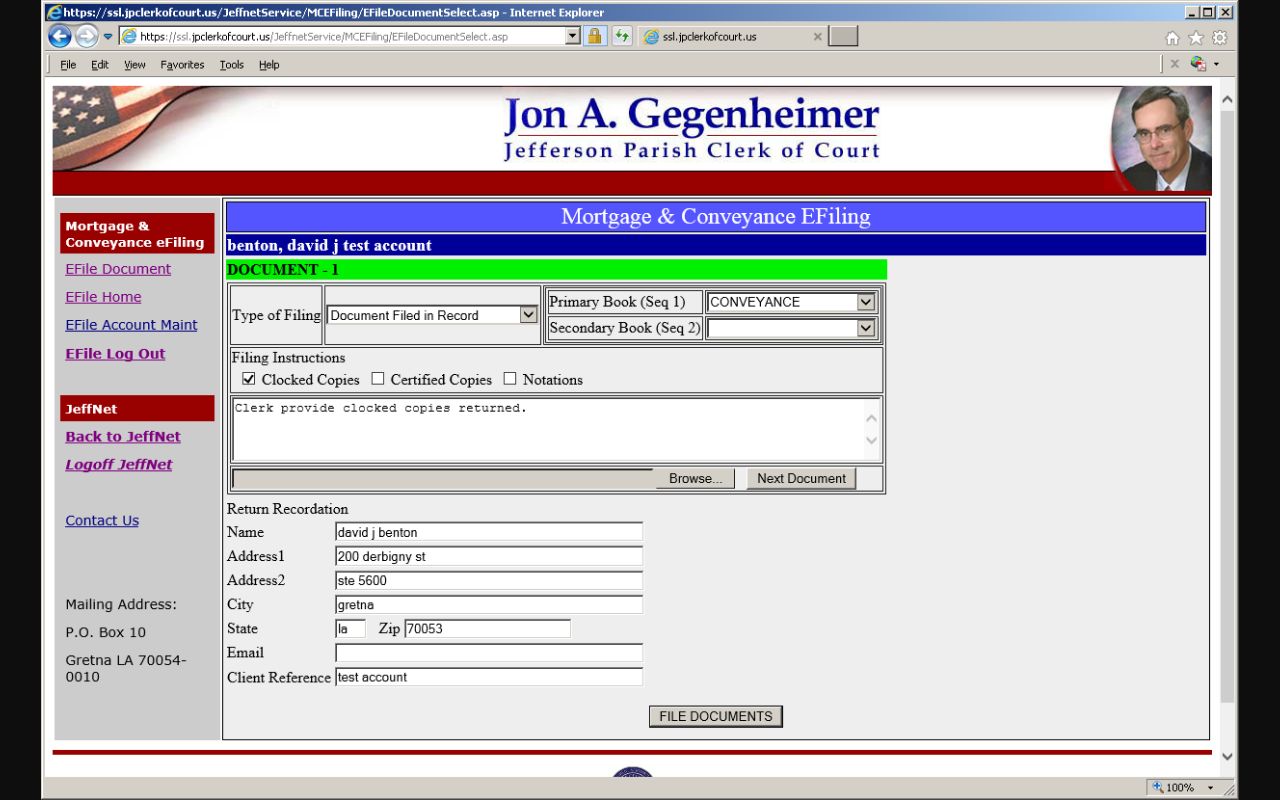
Electronic access can surface record information fast. Even so, its availability and charges differ from courthouse inspection or a staffed copy request.
Types of Jefferson Parish Court Records
A Jefferson Parish court record may be a filing behind a docket entry. It may also be a separate court product. Official forms and court interfaces show the range. Civil, criminal, and parish-court material can all exist. Availability turns on case type, court, date, and access restriction. Ask for a named document rather than an undefined complete file.
- A calendar or docket list showing a date, division, setting, time, and case reference.
- Case activity or minute details that describe dated procedural events.
- A document index with filing date, document type, description, parties, and parish.
- Filed pleadings, motions, service returns, orders, judgments, and related images when available.
- A certified copy, a conformed copy, or a separately requested transcript.
The Clerk's forms page sorts its offerings by category. Categories include 24th JDC civil forms, parish-court forms, criminal costs, expungement packets, and Juvenile Court forms.
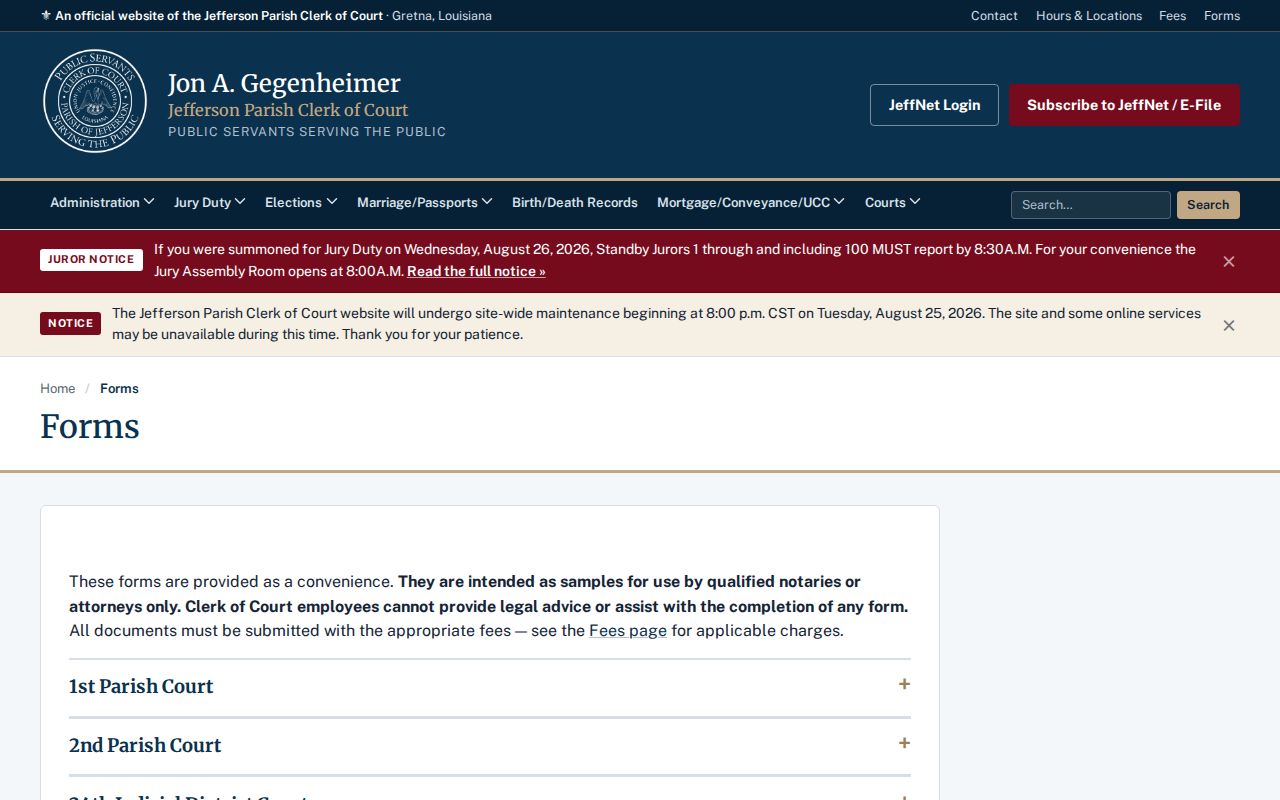
Those form categories help describe a record request. Still, a form listing is no proof that the matching document is open to the public.
Jefferson Parish Court Docket Record Layers
A docket is not the whole file. A calendar line only locates a setting. Case activity and minute details track the events in a matter. A document index identifies a filing, while the image is the scanned filing itself. Certification is an added clerk action. A transcript captures what was said in a proceeding, and it must be requested separately from a court reporter.
| Layer | What it can answer | Local route |
|---|---|---|
| Calendar or docket list | Date, time, division, setting, and case reference | JeffNet mobile or division kiosk |
| Case activity or minute details | Dated clerk entries and procedural events | JeffNet or eClerks Criminal Search where available |
| Document image | The filed pleading, order, or other record | JeffNet image service or a Clerk copy request |
| Certified copy or transcript | A formally certified copy or the proceeding record | Clerk certification service or 24th JDC transcript process |
Choose the narrowest layer that answers your question. That helps the clerk estimate cost, and it keeps a short docket entry from being mistaken for the signed ruling.
What a Jefferson Parish Court Record Contains
What a record holds depends on its layer and case. A docket item can be spare. It may show only a date and an event type. A case file runs deeper. It can cover the full run of filings and court action. The official form inventory supports many requests. It covers civil pleadings, criminal motions, service material, trial settings, continuance requests, judgments, garnishments, and related papers. None of that makes every item public in every case.
| Case reference | The case number, court, division, and parties needed to locate the file. |
|---|---|
| Docket or minute entry | A chronological event, date, setting, filing, or short clerk notation. |
| Pleadings | Petitions, answers, motions, amended filings, and other papers submitted in the case. |
| Orders and judgments | Signed court rulings, if filed and accessible through the responsible custodian. |
| Attachments or exhibits | Supporting materials subject to the same case-specific access limits. |
A document image may carry a fee even when the docket result was easy to view. The reverse matters too. A calendar entry cannot establish a filing's legal effect without the underlying record.
Court Custody and Clerk Custody
The 24th JDC splits written public-record requests by who holds the record. Court custody goes to one office. The Judicial Administrator, Michael T. O'Brien, holds it. Clerk custody goes to Frank Borne, Chief Deputy Clerk, Jefferson Parish Clerk of Court. Unsure which side holds it? Describe the matter precisely and ask the receiving office to clarify or redirect. The split matters. A court administrative record and a Clerk-held case record may follow different routes.
24th JDC Court Custodian
Judicial Administrator Michael T. O'Brien
200 Derbigny Street, Suite 2100
Gretna, Louisiana 70053
Written request route: 24th JDC public-record requests
Clerk Custodian
Frank Borne, Chief Deputy Clerk
P.O. Box 10
Gretna, Louisiana 70054-0010
(504) 364-2900
The official request instructions give both addresses. They also set out status timing, the estimate, confirmation, and the inspection process.
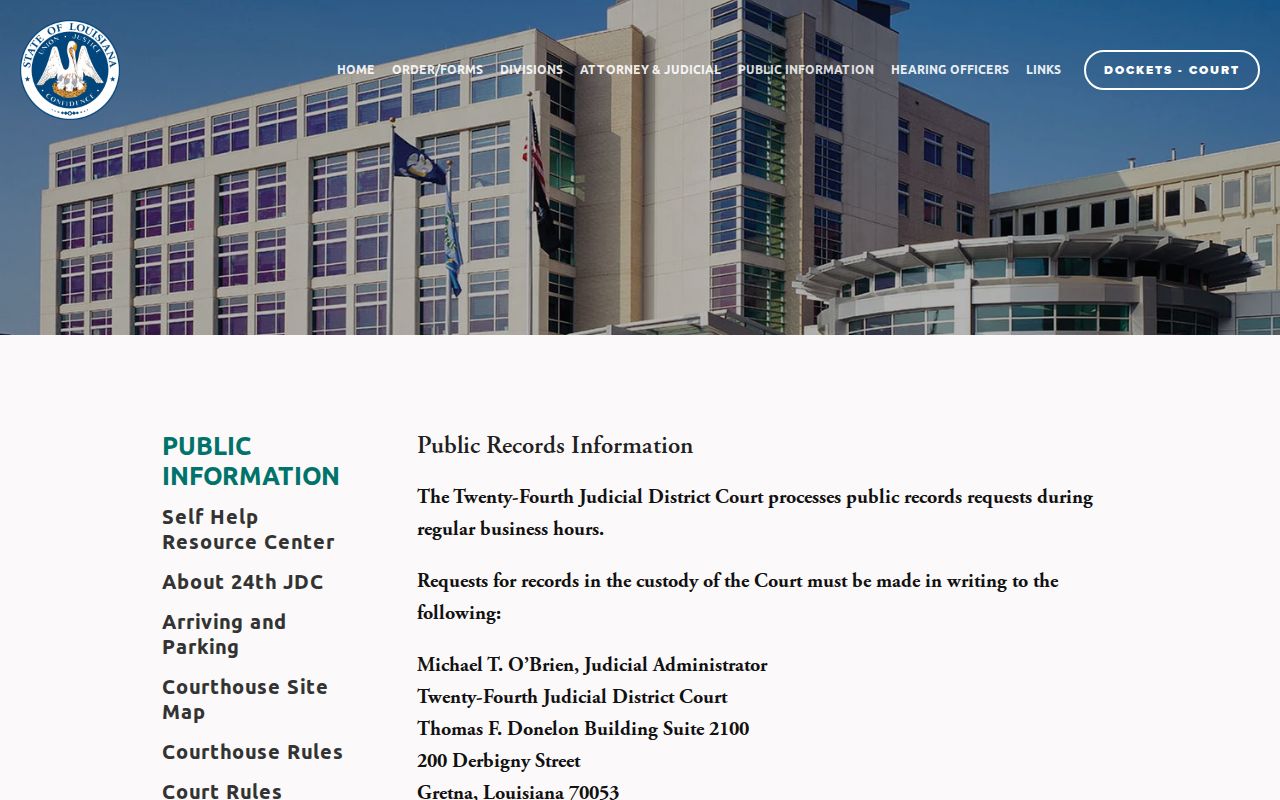
The court reports status within three days of receipt. It can provide an estimate and makes copies only after written confirmation. If confirmation and payment do not occur within ten business days, a new request may be required.
Certified Copies and Fees
A plain copy is just for reading. A certified copy carries the Clerk's certification, and that stamp costs a separate fee on top of the copy charge. JeffNet publishes its own document-image and certified-record charges. The courthouse fee schedule lists different charges for staff copies and delivery, so the two price lists do not match. Before you pay, confirm which court handles the file. Also confirm how you want it delivered, since a city-court file changes the answer.
| Jefferson Parish Clerk service | Published amount |
|---|---|
| JeffNet document PDF or image | $0.75 per page |
| JeffNet certified court record | $0.75 per page plus $5 certification fee |
| Uncertified courthouse photocopy | $1 per page |
| Certified courthouse copy | $5 per copy plus copy costs |
| Clocked conformed copy | $3 per document |
| Faxed or emailed copy | $1 per page |
The Clerk's fee table is the source for the courthouse amounts.
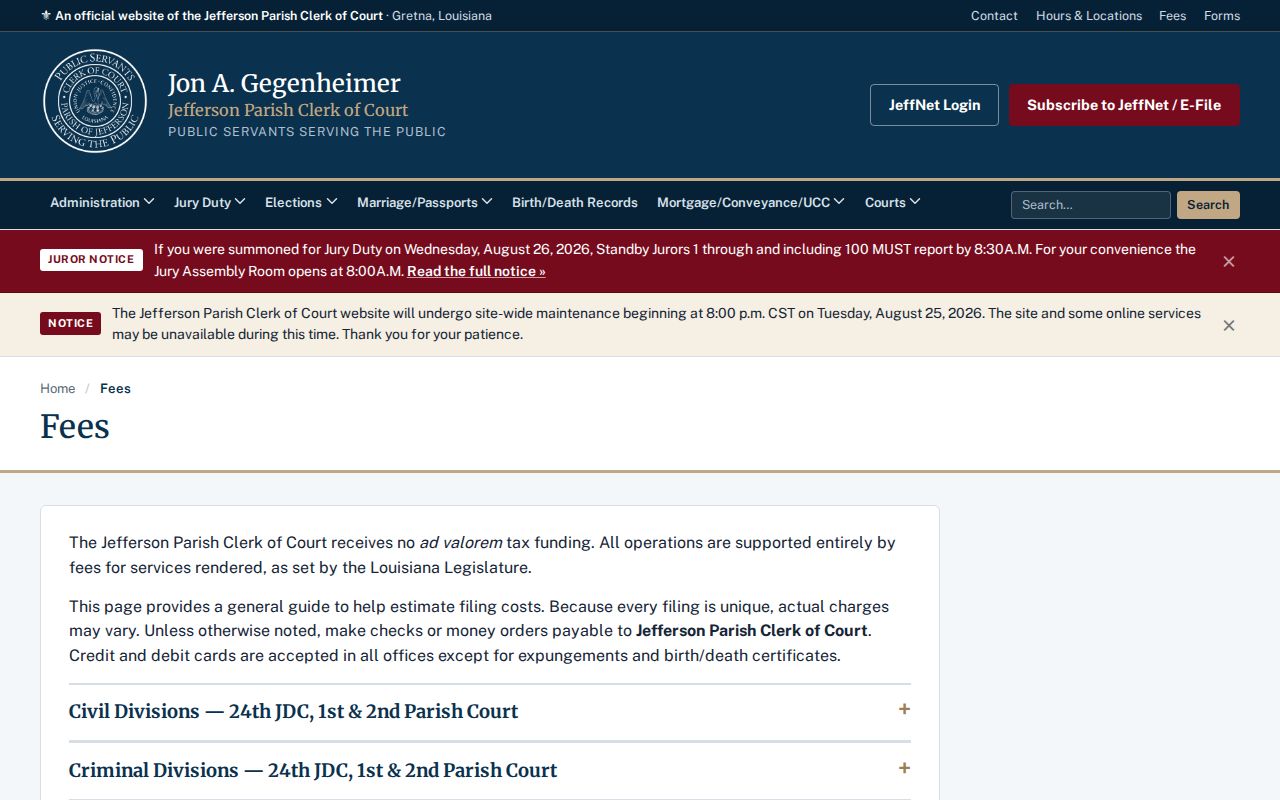
Online image pricing and staff-copy pricing do not line up. When you request a cost estimate, state the format and delivery method so the quote matches what you will actually get.
Jefferson Parish Transcript Requests
A transcript is its own animal. It is not a docket printout, and it is not an ordinary certified copy. The 24th JDC transcript procedure requires a separate request plus a deposit. So gather the details first: case number, proceeding date, division or reporter information if you have it, and your contact information. If the file does not identify the proceeding, ask the division clerk or records office for the setting information. Submit the request only after that.
The official 24th JDC transcript request form shows the fields and the deposit notice. That is what this separate process uses.
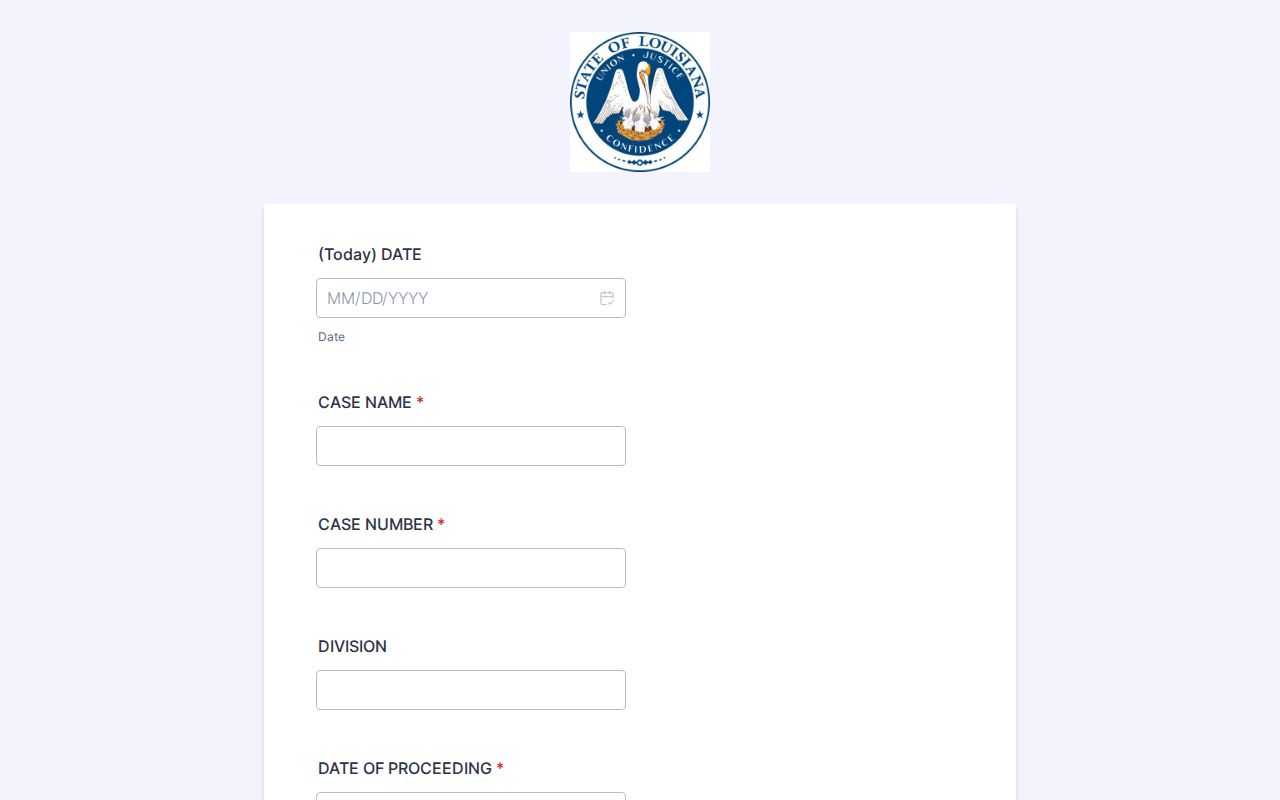
The deposit is money at risk. Specify the proceeding and the portion you need instead of vaguely requesting a full court history, so you pay only for what you actually want.
Public Access and Sealed Records
Louisiana law sets a baseline for access. Yet it does not throw every Jefferson Parish court record open. Juvenile files stay closed to public examination and off JeffNet, according to the Clerk. Sealed documents, protected identifiers, and expunged criminal records each carry their own limits. Keep one caution in mind. An unavailable result does not prove that no filing exists. Ask the responsible court or clerk about the proper access procedure. Do not push for protected content.
Key Rules:
Code of Civil Procedure Article 251 makes the clerk custodian and generally permits inspection and copying during clerk hours unless another law provides otherwise.
Code of Civil Procedure Article 253 authorizes electronic filing and ties public access to electronic records to the access available for paper records.
R.S. 44:1 defines public records and public bodies for Louisiana's Public Records Law.
R.S. 44:31 states the public access right and puts the burden of an exemption on the custodian; R.S. 44:32 addresses inspection, copying, and fees.
Children's Code Article 412 generally makes juvenile records confidential, while expungement law removes covered criminal records from public access.
An Article 251 inspection-and-copy text is the statutory source for the clerk-custody rule.
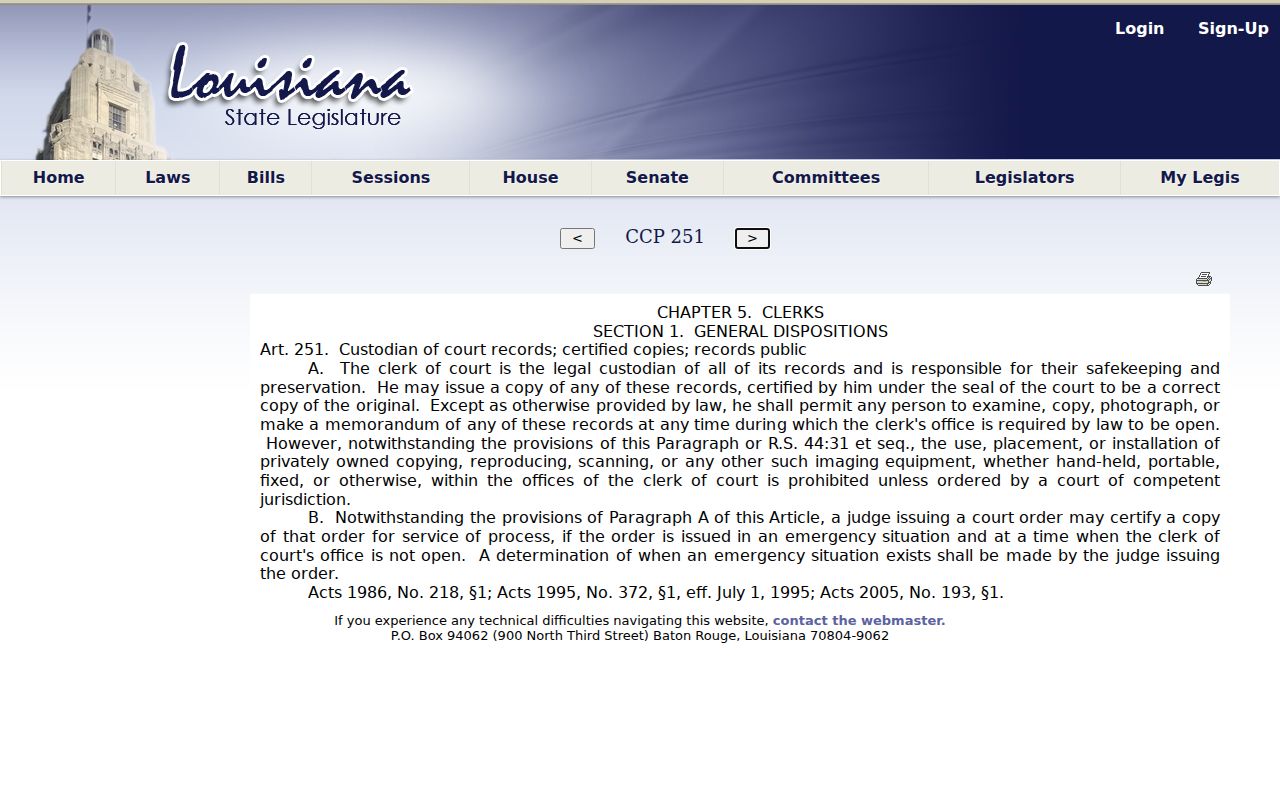
Free inspection at a public computer has edges. It does not cover private imaging equipment, staff copies, certification, or the disclosure of a restricted file.
Jefferson Parish Court Record Workstations
Sometimes the courthouse route wins. When you know the document and only need to look at it, going in person can be the fastest path. The Clerk says the public may view pleadings without charge on Clerk-provided computers at the 24th JDC civil records and central information areas. Bring a case number or a narrow description. Ask for the proper records suite, and follow the courthouse security and device rules.
Inspection is not the same as photographing or ordering a copy. Article 251 can bar privately owned imaging equipment in clerk offices. That bar lifts only if a court authorizes it. The 24th JDC request procedure also offers no-cost inspection by appointment at the court-custody records location. Staff copies, certified copies, and electronic delivery can still carry charges under the current schedule.
Note: A public workstation is an inspection channel. It is not a promise that every Jefferson Parish court record is public or electronically imaged.