
How to Search Civil Dockets
Every Jefferson Parish civil docket search starts with a name of a court. Look at the filing, the notice, or any case paperwork that names it. The Jefferson Parish Clerk's JeffNet access route is the local online channel for district and parish court record activity. Coverage is whatever it states. Got the case number? That is your best clue. Without one, narrow a name search using court, division, rough date, and document type.
The statewide eClerks LA portal can help surface parish-selected civil records. Treat it as a discovery tool. A hit there does not promise a full image. Nor does it prove the case belongs to the 24th JDC. Check the parish and the court before paying for a copy.
- Identify the 24th JDC, First Parish, Second Parish, municipal, or other court that received the civil matter.
- Search JeffNet with the case number or narrow the available name, date, and division information.
- Open the matching civil docket or document result and confirm the court and party fields.
- Read the activity, filing description, and any setting separately from the document image.
- Ask the responsible Jefferson Parish clerk or court for inspection, copies, or an estimate when needed.
Jefferson Parish Civil Docket Fields
JeffNet's mobile civil docket screen is built around a date. The division is the other anchor. Search fields cover case, hearing, attorney bar, self-represented, name, and email. Results come back under headings like number, litigant or name, case, time, and type. Attorney and signed round out the list. The official civil docket interface shows the local field layout itself.
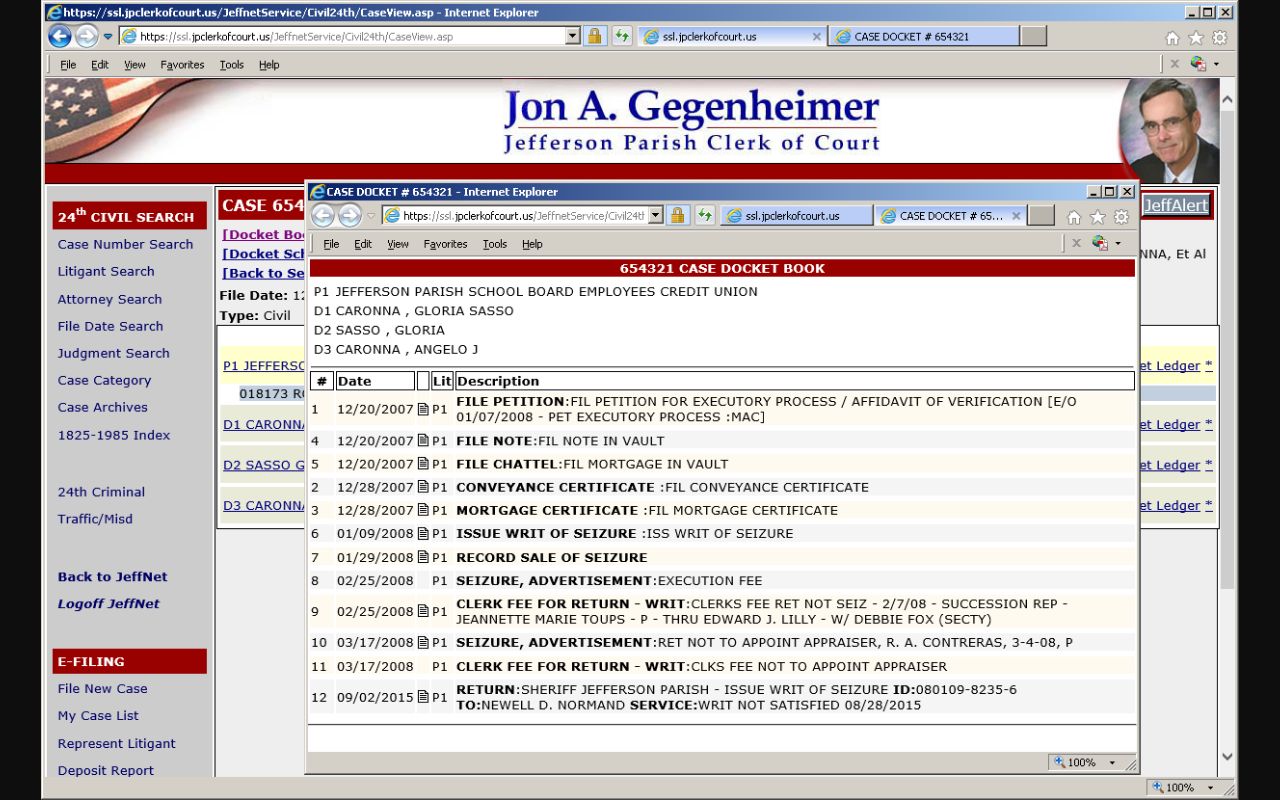
The display helps you find a case and read a scheduled event. That is its job. It is not the complete folder. It is not a ruling. Check the underlying status before treating any line as final.
| Result heading | What it identifies |
|---|---|
| Number and case | The local docket or case identifier. |
| Litigant or name | A party-facing field used to distinguish matching results. |
| Time and type | The scheduled time and category of a listed docket event. |
| Attorney and signed | Context fields that do not by themselves state a final outcome. |
The mobile civil docket overlaps with, but is not the same as, the division kiosk and the remote check-in tools. A daily list can flag a hearing. The case activity record adds another layer of detail. When asking a clerk about a setting or a filing, Jefferson Parish users should quote the exact label shown in the interface. That habit makes it far easier to tell a time entry apart from a signed order or a complete electronic pleading.
Jefferson Parish Civil Records Suite
A 24th JDC civil case starts when a pleading and a security deposit reach the civil department. The department then assigns it to a division. From that point, the division docket clerk handles later pleadings, process, returns, advanced costs, and related activity. The Clerk's 24th JDC civil records information names Suite 2400 as the public civil record room and describes Clerk-provided computers where electronic pleadings can be viewed at no charge. Older pre-2004 civil records are listed at 1128 Fourth Street. The central information area can help track down a case number or a party name. This is the practical Jefferson Parish fallback whenever an online result lacks the document image you need.
Viewing a record on a public computer is not the same service as electronic filing. The workstation lets the public see eligible electronic pleadings free. Copies, certifications, faxes, emailed files, or downloaded images run through different Clerk services at different prices. Ask the records staff how delivery works. Do not assume the record on screen can walk out the door in that same form.
What a Civil Docket Shows
A Jefferson Parish civil docket is a running log, not just a verdict. It can show parties, filed pleadings, motions, and hearing settings. Orders appear too. A final action shows only when the official record uses that status. A line saying something was received means only that the clerk received it. A setting just puts an event on the calendar. Neither word tells you the court picked a winner. Read each entry as a step rather than a result.
| Case number | The identifier used to locate the Jefferson Parish civil folder or docket. |
|---|---|
| Parties | Names or party fields used to distinguish a civil result. |
| Filings | Entries for pleadings and other material received by the clerk. |
| Motions and settings | Pending activity and scheduled events, which can change. |
| Order or judgment | An official result only when the record identifies it as such. |
Keep the docket separate in your mind from a court reporter transcript. Possibly keep it separate from the document image too. The record type matters. Know which one you are requesting before you request it.
Jefferson Parish civil records come with local vocabulary. Think civil department, division, case activity, document image, and minute entry. A minute entry is a dated notation of an event, order, or setting. It is not automatically the full text of a pleading. A document image is the scanned or electronic version of a filing. It may carry its own charge even when a basic case result is free.
Jefferson Parish Document Index Limits
A Jefferson Parish civil search can return a docket, a calendar, a document index, or an image. Each is a different animal. The eClerks civil guide lists the document-result headings: date, document set, type, number, two party fields, document type, description, and parish. Those headings tell you what got indexed. They do not mean the pleading itself is on display or free to download.
The Clerk's generic search interface is a handy reminder. A search screen often hands back an index before it ever hands back the record image.
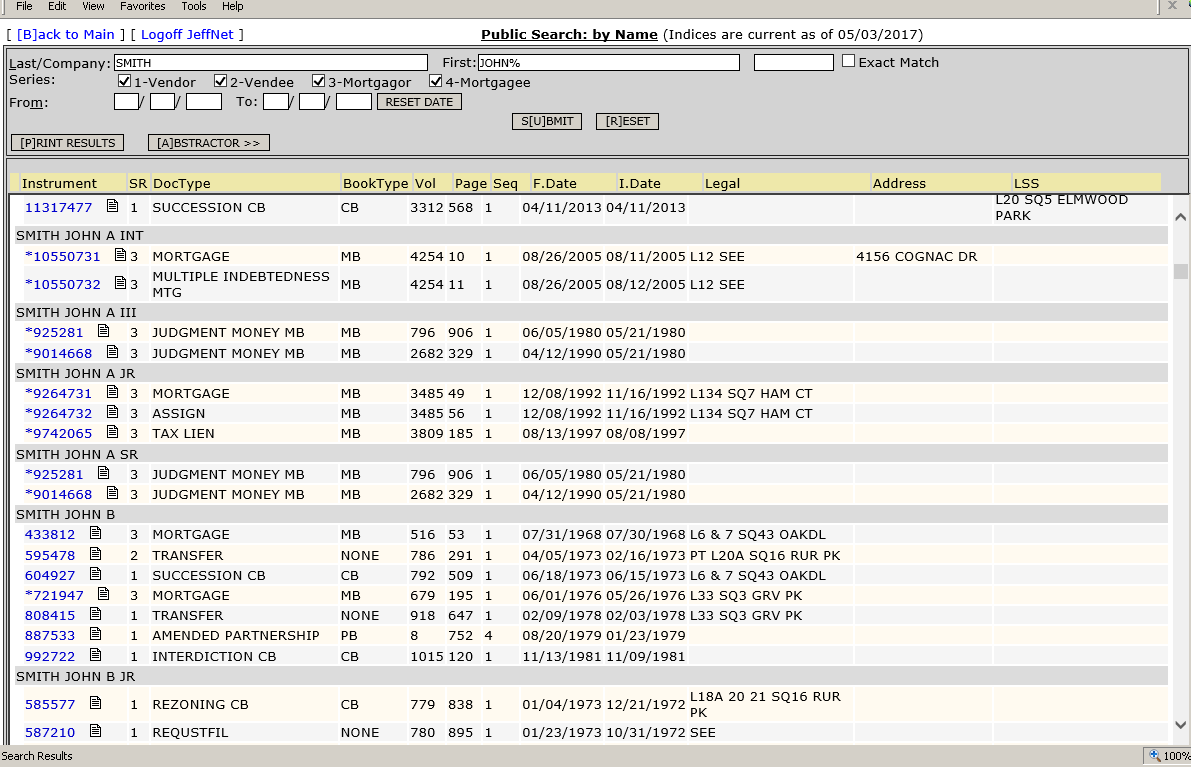
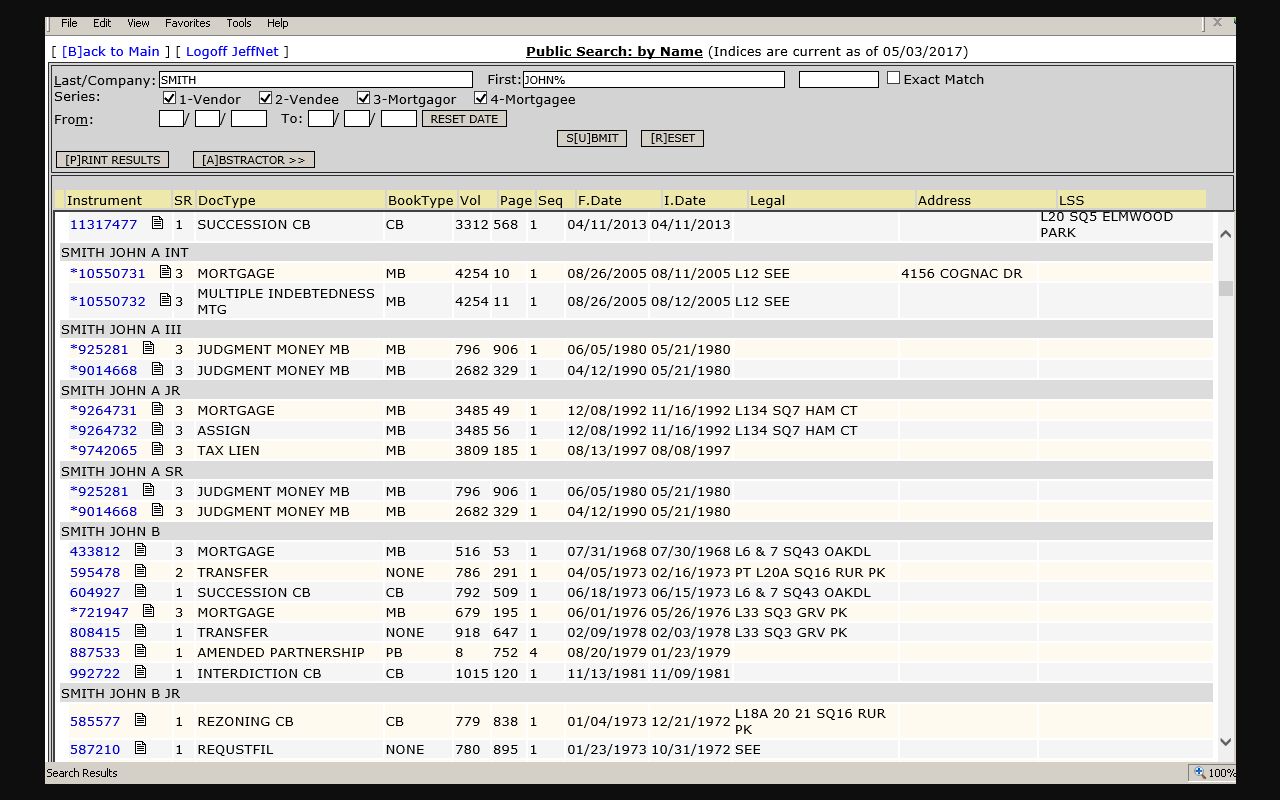
JeffNet and eClerks can bill for images and printing on top of the base charge. So treat any Jefferson Parish result as an index line, nothing more, until you hold the image or a clerk copy. A hit is not the document itself. That distinction matters most for petitions, orders, and exhibits. The result may give you the date and description a well-defined Jefferson Parish request needs, yet say nothing about whether the full filing is displayed, public, or the only paper in that folder.
Jefferson Parish Civil Record History
How far back does the Jefferson Parish civil docket reach? JeffNet covers 24th JDC civil activity from January 1, 1986 forward. First Parish civil activity starts in 1983, and Second Parish activity in 1986. The Clerk finished back-imaging civil case folders in 2018. Image access still turns on the court, the document, the record range, and any access restriction. Keep case-activity coverage and image availability separate in any historical search.
When an older case returns a docket hit but no image, call the civil record room. Or send a specific request. The record may well exist in another format or place. The online result can look thin anyway. Jefferson Parish's electronic preservation improves the route. It cannot close the gap between the activity range, the image range, and statutory limits on access. Always give a date range when asking for older material.
Types of Civil Cases on the Docket
The 24th JDC holds general civil jurisdiction in Jefferson Parish. That is subject to the state's rules and exceptions. On the civil docket you will see the pleadings, motions, settings, and orders. Those are what move a suit along. Which court is responsible still depends on the claim, the amount, the subject, and the filing path. Start any Jefferson Parish civil search with the court that actually received the filing. Not every public dispute belongs to a district-court docket.
- Contract and other private civil disputes filed in the responsible court.
- Property-related cases and related civil pleadings.
- Tort claims and other civil litigation within the court's jurisdiction.
- Limited civil disputes assigned to a parish court when the law and filing route apply.
City and town offices keep their own code-enforcement and ordinance records. Before calling a Jefferson Parish city agenda or municipal record a 24th JDC civil docket, confirm which court created it.
Jefferson Parish Court Civil Routing
Parish courts have their own lane. Under the official parish-court overview, First Parish Court and Second Parish Court handle civil matters up to $20,000. Geography decides which one. First Parish sits on the East Bank. Second Parish covers the West Bank and Grand Isle. A Jefferson Parish civil record may therefore live in a parish-court route rather than a 24th JDC civil division.
| Civil route | Where to confirm the record |
|---|---|
| First Parish Court | East Bank civil records, (504) 736-8391. |
| Second Parish Court | West Bank and Grand Isle civil filing information, (504) 364-2932. |
| 24th JDC | JeffNet, Suite 2400, or the Jefferson Parish Clerk's civil records route. |
For the First and Second Parish split, the parish-court overview is the right first stop. Its pages post no complete text-accessible civil docket search, so confirm details with the clerk or court directly.
Jefferson Parish Civil Case Requests
Get the case number before asking for a large Jefferson Parish civil folder. Give the clerk the court, the division if known, the case number or party name, a date range, the document type, and whether you want inspection or copies. Inspection first is smart. It helps you pin down the exact filing. Do that before image, copy, or certification fees pile up. The court says inspection is free during normal hours. Copies and certifications follow the fee schedule.
Requests split two ways. Court-custody requests go to the 24th JDC Judicial Administrator. Clerk-custody case-record requests go to the Chief Deputy Clerk at the Clerk's P.O. Box. The 24th JDC request instructions lay out both paths. They also let a requester ask for a cost estimate first.
Settings and Hearings on Civil Dockets
Jefferson Parish civil settings show up in the date-and-division docket tools. They also show in the case activity record. A calendar line can list the time, the type, the attorney, even a signed field. It is still just a scheduled event. It is not a judgment, and a set date can move, continue, or be replaced. Check the current date, division, and docket activity before counting on a hearing setting.
Identify a ruling by the official order or docket status instead. A party's name on a calendar proves nothing. If a setting looks incomplete or shifts, call the division clerk. You can also call the responsible Jefferson Parish records office for current information.
Jefferson Parish Civil E-Filing Change
Electronic filing is now part of Jefferson Parish civil practice, but the route has firm limits. The Clerk's 24th JDC e-filing instructions walk eligible Louisiana Bar members and JeffNet subscribers through bar-roll login, case and litigant selection, an unlocked PDF, calculated costs, an account charge, and a timestamp once the filing is accepted. New cases need litigants, a case type, and services. Sealed documents stay outside the ordinary workflow.
That accepted timestamp is a filing-system event only. It is not a ruling, a docket setting, or a complete public image. Email notifications and reporting tools can help a filer track submissions. Still, the Jefferson Parish civil docket is where you confirm what case activity and court action are on record. The official e-filing eligibility and PDF-submission page explains the electronic steps in full.
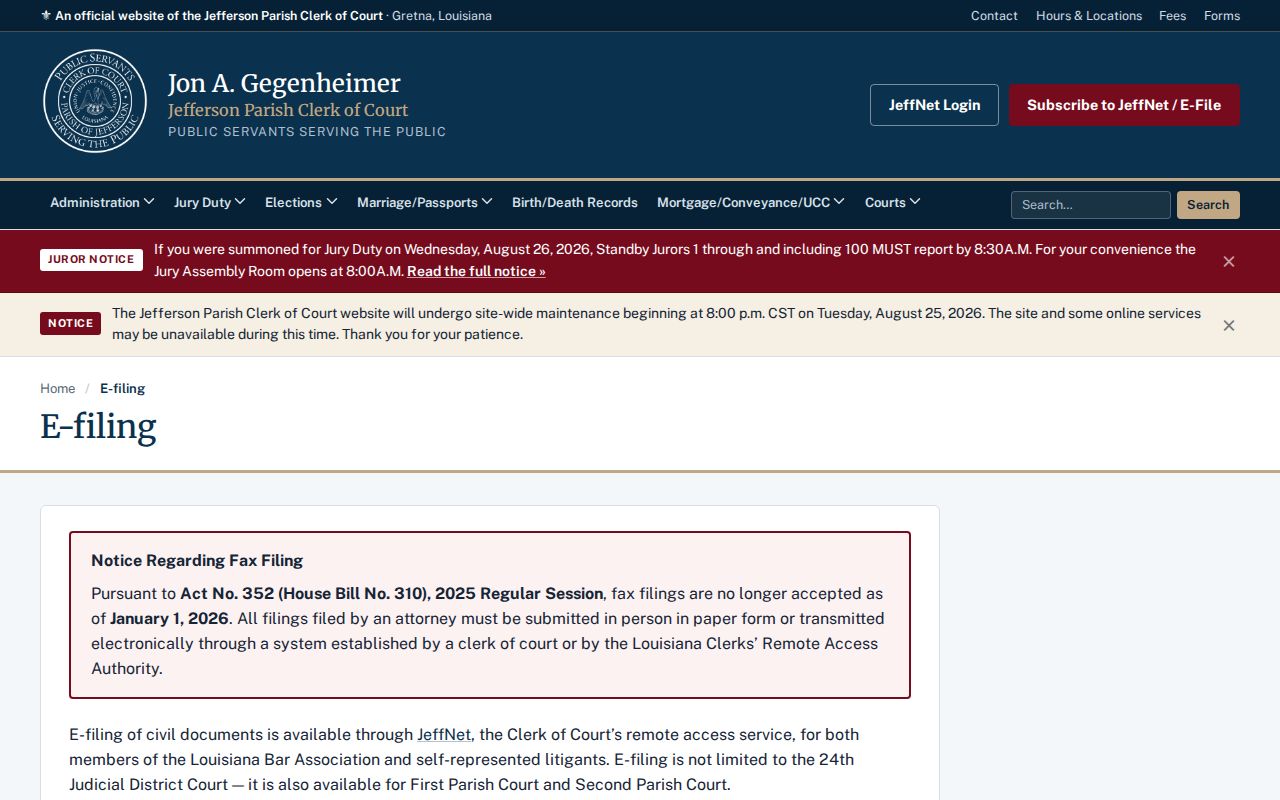
The Clerk's civil e-filing screen further shows the local online filing context.
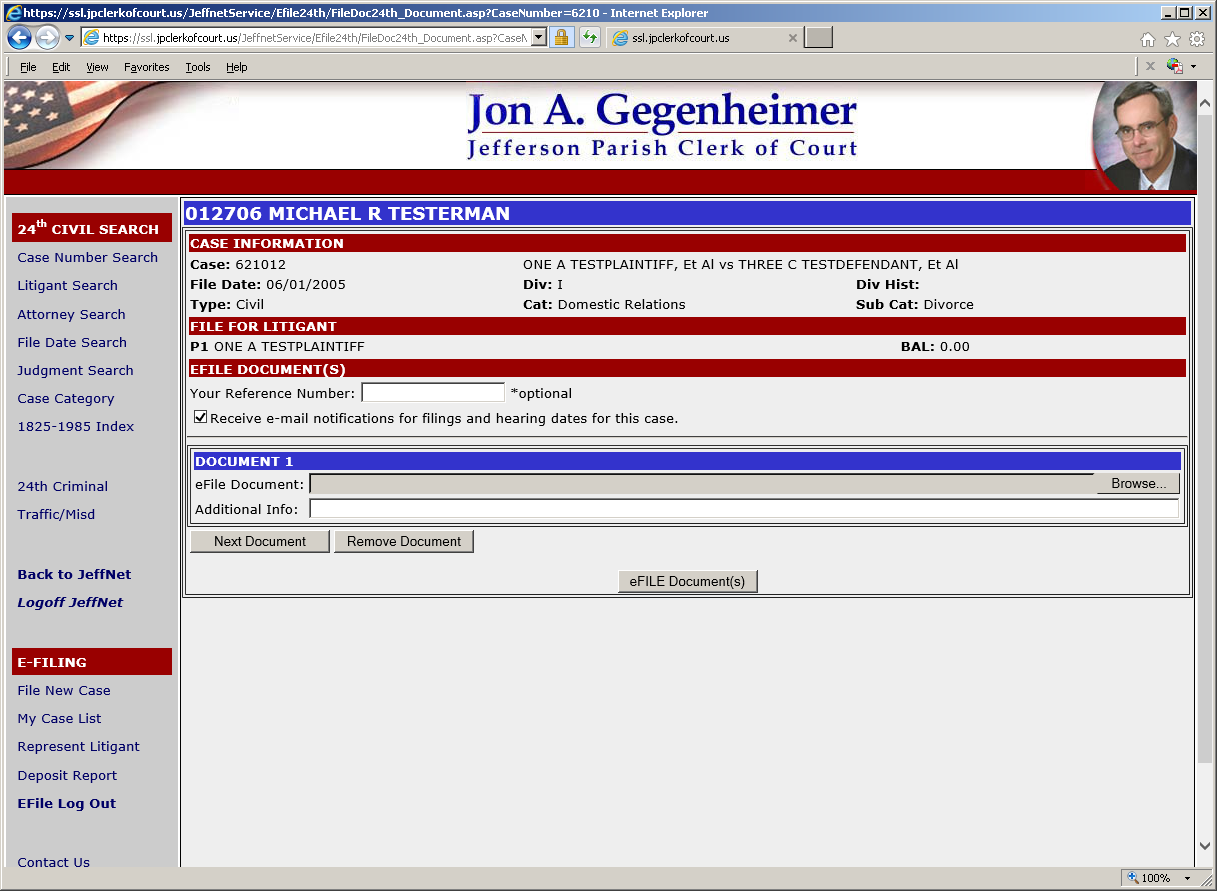
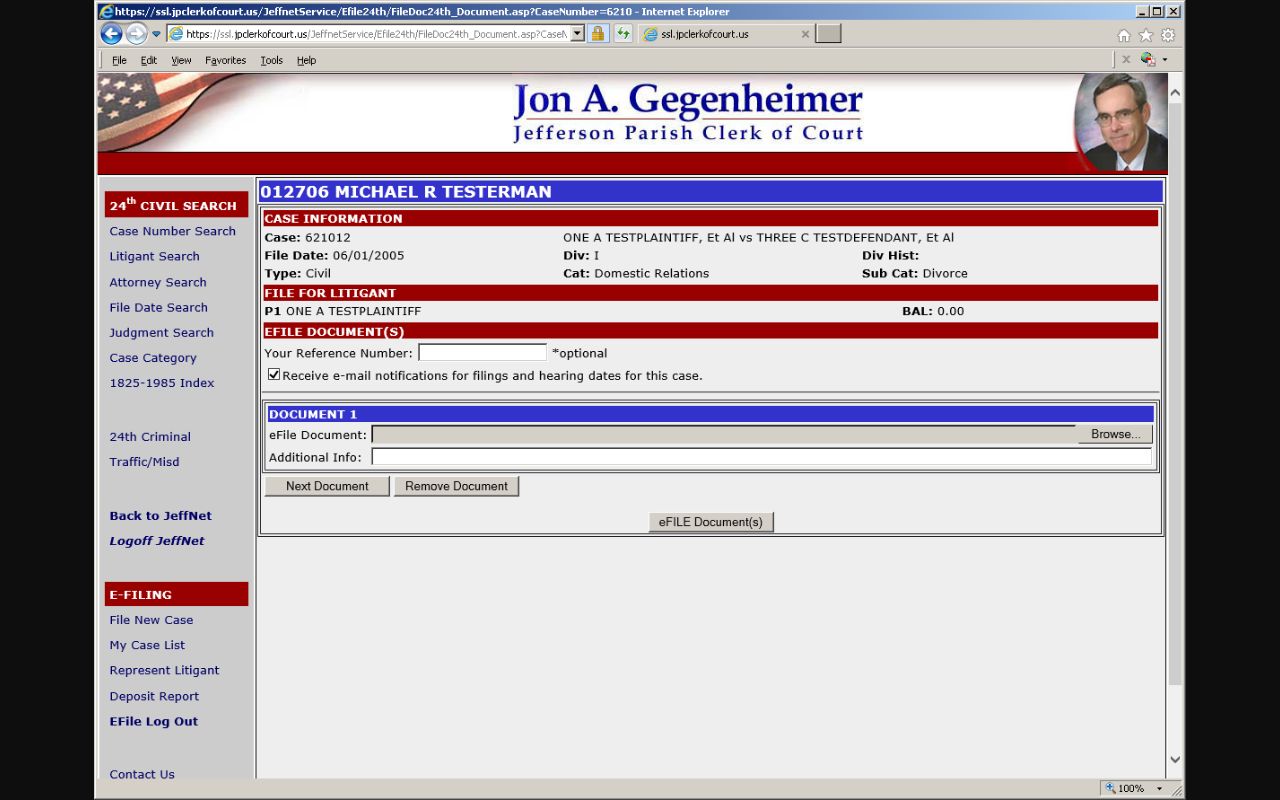
One deadline changed everything. Effective January 1, 2026, attorney civil and criminal fax filing ended. Attorneys may now file paper in person or electronically through JeffNet, while the Clerk lists mail, courier, in-person delivery, and JeffNet routes for non-attorneys, subject to stated exceptions for original instruments and similar materials.
Public Access to Civil Dockets
Getting a Jefferson Parish civil docket starts with one question: who holds the record? Some filings sit with the Clerk. Some sit with the court itself, and some are sealed or protected from view. Access rules never override confidentiality or redaction. Under Article 253, electronic filings get the same public access as paper ones. Filers must safeguard certain identifiers themselves. An index entry can appear even when no image does.
When a routine search turns up nothing, figure out the right office before anything else. The 24th JDC treats court-custody requests differently from Clerk-custody requests. You can ask to inspect a record, get a copy, or request an estimate. The office may then tell you a fee rule or a restriction. It may also say another court actually controls that material.
Key Rules:
Louisiana Code of Civil Procedure Article 251 makes the clerk custodian of the court record and permits eligible inspection and copying during clerk hours.
Article 253 governs delivery to the clerk, electronic filing, public access to electronic records, and protected identifiers.
R.S. 44:31 provides a public-access baseline while allowing lawful exemptions.
Jefferson Parish Civil Inspection Rules
The Article 253 text sets the public-access rule for electronic filing and record access.
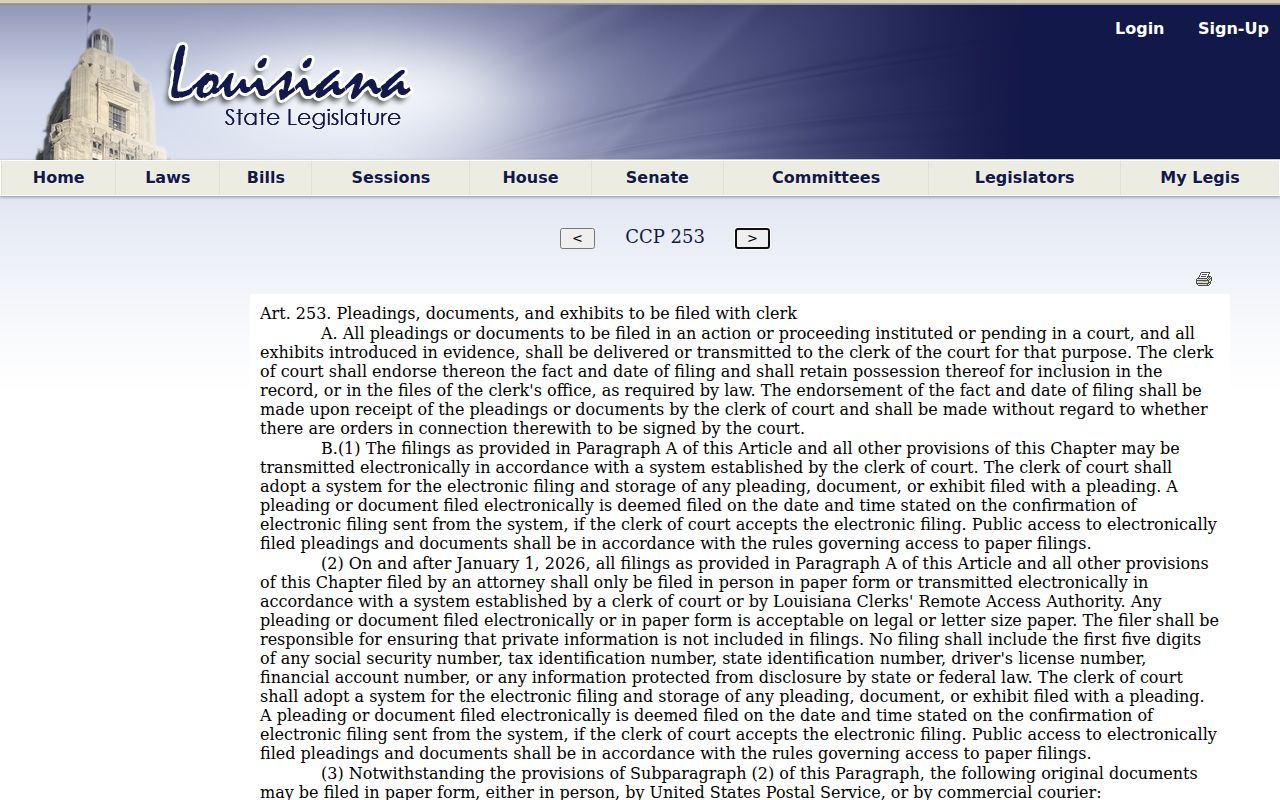
Electronic access here is tied to the same access rules that cover paper records, and sealed items and protected identifiers stay off limits either way. Article 251 also limits privately owned imaging equipment in clerk offices unless a court orders otherwise. Jefferson Parish visitors should check with the record room before bringing a camera or scanner.
Note: A public civil docket can be open for inspection while its copies, certifications, and images follow separate Jefferson Parish procedures and charges.