
Searching Cases by Name
Search by name once you know which Jefferson Parish court holds the matter. The eClerks LA portal handles this through its statewide Criminal Search. Pick Jefferson Parish there when the case belongs to the parish. Tighten the name with the date filters the portal provides. Common surnames make false matches easy. A defendant or party name alone rarely proves you have the right Jefferson case. Confirm the court and date before trusting any result.
- Open the official eClerks LA Criminal Search and enter the last name before adding the first name.
- Use From Date and To Date when the likely filing or arrest period is known.
- Select the Jefferson Parish checkbox for a Jefferson case, or leave the search broader only when the parish is unknown.
- Compare the returned case, filing date, charges or document information, and parish before opening the case details.
- Use the Jefferson Parish Clerk route to verify a case number, document image, or court setting that the statewide result does not establish.
| eClerks field | Type | Required | Jefferson search use |
|---|---|---|---|
| Last Name | Text | Yes for a name search | Begin with the spelling shown on Jefferson court papers. |
| First Name | Text | No | Reduces results for similar Jefferson last names. |
| From Date / To Date | Date | No | Narrows the statewide search to a likely Jefferson period. |
| Parish | Checkbox | No | Select Jefferson Parish when the court route is known. |
Jefferson Case Search on JeffNet
JeffNet belongs to the Jefferson Parish Clerk and covers civil, criminal, parish-court, and document activity. The published coverage runs deep: 24th JDC civil activity from 1986, First Parish civil activity from 1983, and Second Parish civil activity from 1986. Criminal history starts at 1994 for the 24th JDC, and parish criminal and traffic activity dates from 1990. Image coverage follows its own date ranges and shifts with record status.
Access is not free across the board. The Clerk sells a 24-hour access option for $5 and a monthly user ID for $50. Document-image PDFs online cost $0.75 per page. These are Jefferson Clerk service charges; eClerks LA and federal PACER bill separately.
Note: An activity entry can identify a filing or hearing without reproducing the pleading or order behind it.
Searching by Case Number
A case number beats a name search every time. The trouble is format. The 24th JDC, First Parish Court, Second Parish Court, municipal courts, and federal courts in Jefferson Parish do not share one case-number pattern. Type the identifier exactly as the notice, filing, citation, or prior Jefferson docket shows it. Write down CASE NUMBER FROM NOTICE rather than guessing at a format.
Route the number to the named Jefferson court before searching. A 24th JDC identifier, a parish-court citation, a Mayor's Court number, and a PACER number may all resemble case references. Yet each flows through a different office. Missing digits are not worth inventing. A party name, an approximate date, and the correct court will serve you far better than a fabricated number.
Jefferson Criminal Case Search Results
The official eClerks Criminal Search guide lays out what a statewide result looks like. For a Jefferson hit, expect the defendant, birth date, sex, race, case, date filed, charges, arrest date, parish, and alert. Case detail can add the case number and a parish contact. A Minute Details table lists dates with activity text. These fields help separate one record from another. They do not license anyone to republish protected personal details.
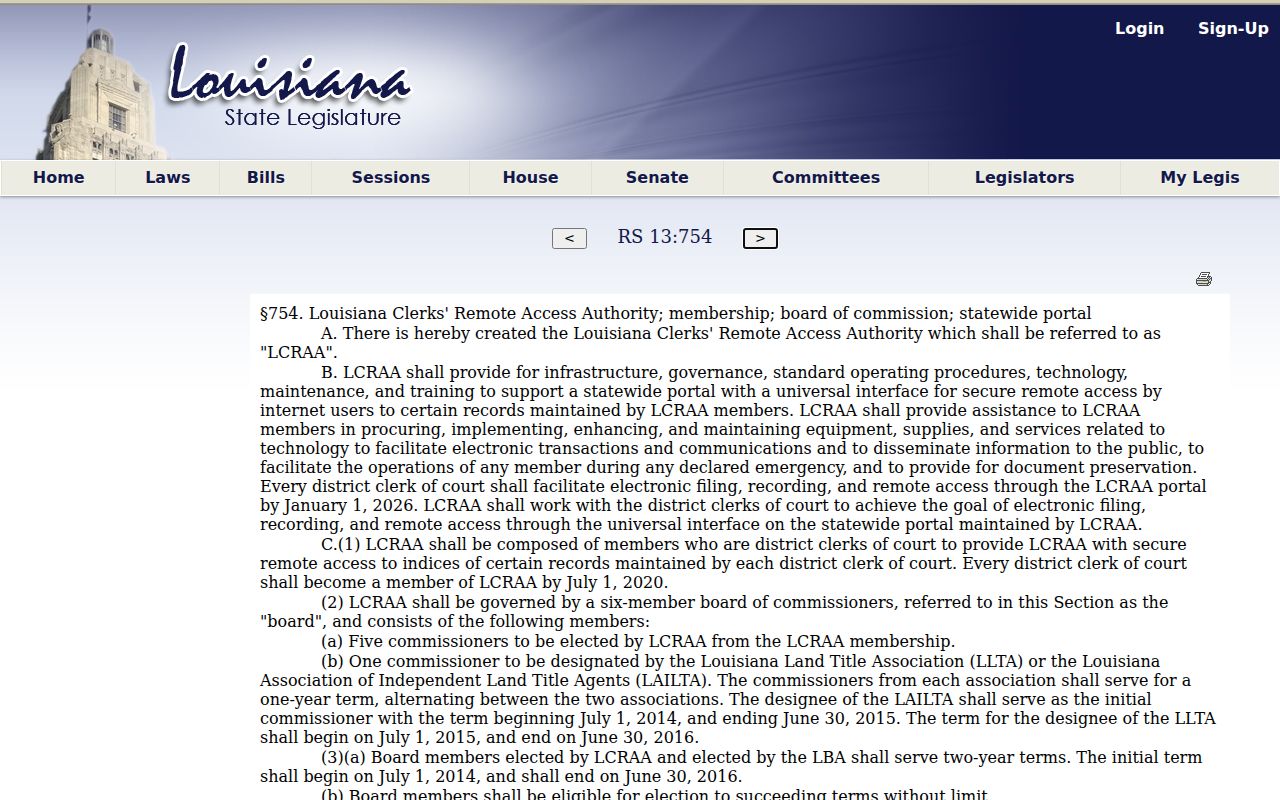
Louisiana Revised Statute 13:754 supplies the statewide remote-access framework. The Louisiana Clerks' Remote Access Authority operates under it.
A Minute Details line is dated case activity. It may summarize an event, like a filing received or an arraignment set, without reproducing the related document.
What a Case Search Returns
What comes back depends on the service and the record layer. eClerks civil and document results can show the date, document set, type, number, Party1, Party2, document type, description, and parish. JeffNet may return a docket or case-activity index, a document index, or a document image. Read the field label to learn what you are seeing. It names the result type. It does not tell you whether every record in the Jefferson file is public or online.
| Case or document number | The unique identifier returned by the Jefferson or statewide service. |
|---|---|
| Party or defendant | A name display used to distinguish the matter. Confirm court and date for similar names. |
| Date filed | The reported filing date, which is different from a later hearing date. |
| Charges or document type | A case category, charge display, or filing classification. |
| Parish | The parish associated with the statewide record, important for routing a Jefferson result. |
| Minute details or activity | Dated event text that may summarize, rather than reproduce, the filing or order. |
| Image | A separately accessed scan or electronic document, when the service offers it. |
Jefferson Case Search Indexes
A Jefferson case search can stop at an index. The entry proves a filing exists and gives its date or description, yet the image itself may still require a Clerk subscription, a purchase, or an in-person look. That gap bites hardest when you need a signed order, a pleading, or a certified copy. An index locates the record; it is not the record image.
When the online route ends at metadata, turn to the Clerk's public computers, records counter, telephone assistance, or a written request. Public workstations can be used to view pleadings at no charge, per the Clerk. Court-custody records follow the 24th JDC's public-record request process. Clerk-custody records go through the Jefferson Parish Clerk, which also accepts written requests by mail.
Statewide vs County Case Search
Split the work between the two tools. eClerks LA suits a statewide Jefferson Parish check. It says its portal can search all 64 parishes. The parish selection still matters for routing. JeffNet is the more direct channel into the Clerk's local coverage. Neither one reaches everything. Municipal, juvenile, sealed, expunged, and federal records sit outside both services.
| eClerks LA statewide portal | JeffNet local Clerk service |
|---|---|
| Searches statewide parish options, including Criminal Search and parish-selected services. | Provides Jefferson Parish civil, criminal, parish-court, and document activity under its published coverage. |
| Uses name, date, and parish fields to narrow an eligible result. | Uses the Jefferson Clerk's local record and access structure. |
| Useful for finding which parish may hold a case. | Useful for a known Jefferson case, local activity, or available image route. |
| May show minute details, document metadata, or access options by service. | May require 24-hour access, a subscription, or image charges for particular Jefferson records. |
Jefferson Case Search Court Routing
In Jefferson Parish, searching the wrong court produces a false "no result." Routing matters. The 24th JDC carries the main district-court caseload. First Parish Court takes the East Bank. Second Parish Court covers the West Bank and Grand Isle. The Jefferson Parish Clerk keeps the records and handles filings for those parish courts, yet their schedules and municipal matters do not appear on one shared public search screen.
| Case named on the notice | First Jefferson route | Important limit |
|---|---|---|
| 24th JDC civil or criminal case | JeffNet and the Jefferson Parish Clerk | A calendar line or index may not include every image or minute detail. |
| First or Second Parish Court case | Correct parish-court office and Clerk route | Confirm East Bank or West Bank and Grand Isle jurisdiction. |
| Kenner, Gretna, Harahan, Westwego, or Jean Lafitte city matter | City or Mayor's Court clerk named on the citation | No comparable public municipal docket search was located for several Jefferson cities. |
| Federal case | PACER and the Eastern District of Louisiana | It is separate from Jefferson Parish state-court systems. |
A city agenda page, council minutes, code-enforcement site, or ticket-payment screen is not the same as a Jefferson court case search. Start with the court named on the citation or order.
Jefferson Federal Case Search
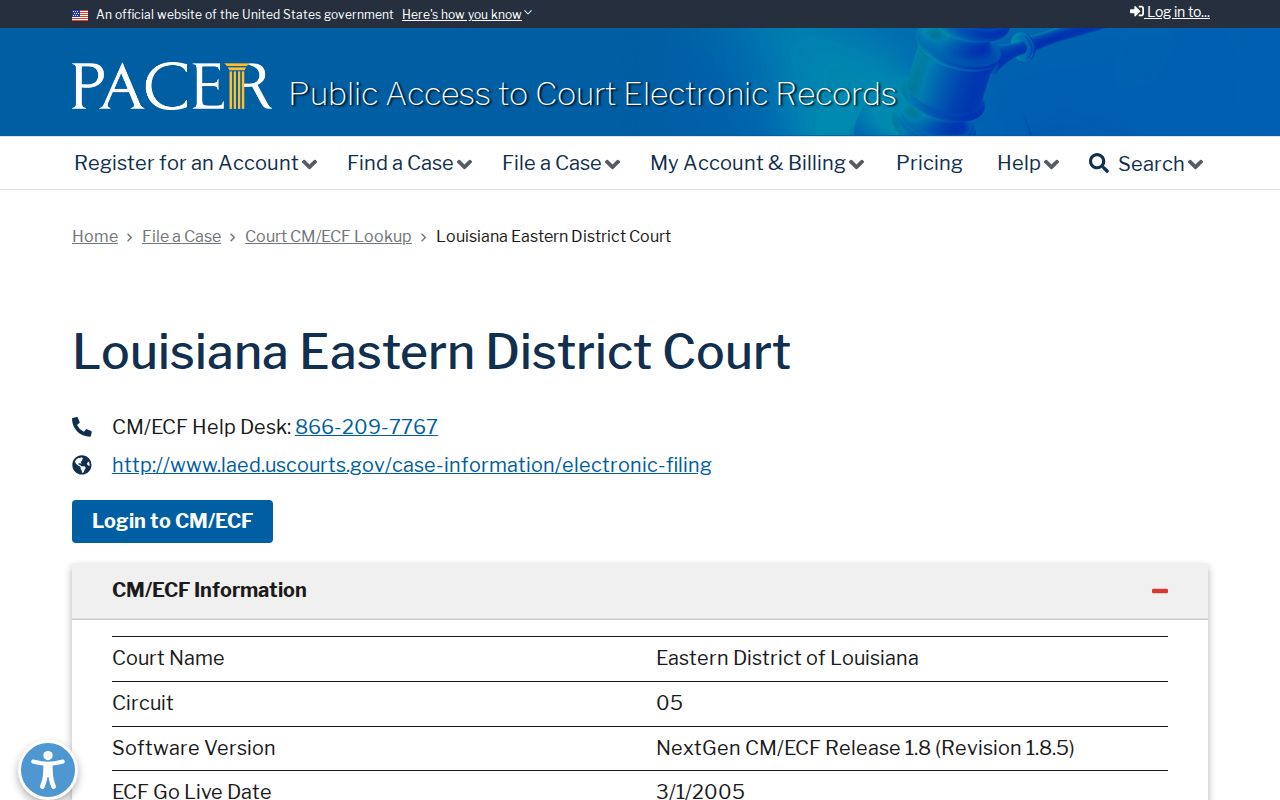
A federal filing does not become a 24th JDC case. That holds true just because a party has a Jefferson Parish address. Federal matters run on their own track. The Eastern District of Louisiana sends federal users to PACER and CM/ECF case information. Jefferson is listed among the parishes that district covers. Bankruptcy cases sit under a separate federal court profile. The Jefferson Parish Clerk cannot retrieve them.
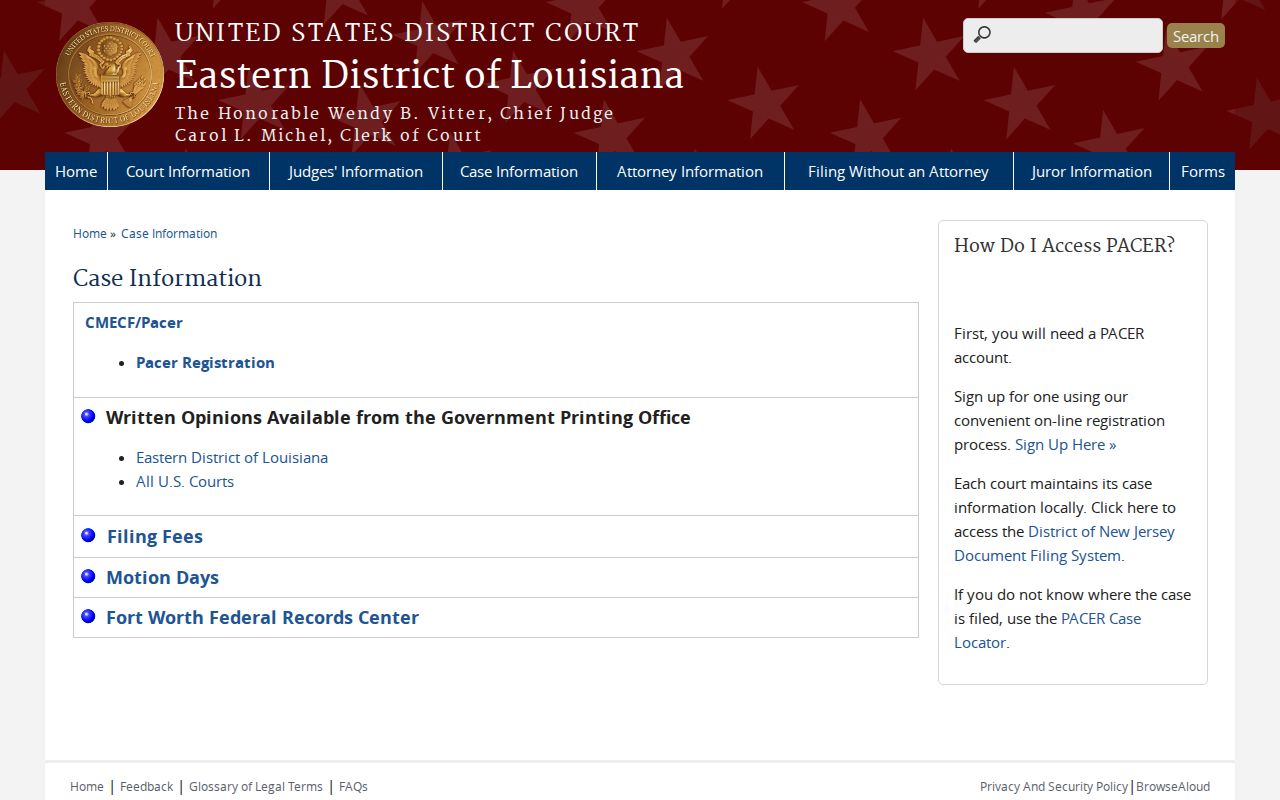
The EDLA PACER court profile confirms the routing and its CM/ECF details.
Federal access carries its own rules and charges. A state case search is no substitute for PACER.
Jefferson Federal Case Search Costs
Fees apply on the federal side. The official PACER access page lists a charge of $0.10 per page, with a quarterly waiver when total charges stay at $30 or less. Searches that return no match can still bill you. Narrow any Jefferson federal search by court or date where you can. PACER costs are separate from the Jefferson Clerk's JeffNet fees and the eClerks LA service.
Sealed federal filings stay restricted even with a PACER account. A free alternative offering partial RECAP coverage is not an official or complete federal docket.
Jefferson Case Search Alert Limits
The Jefferson Clerk's JeffClerk Alerts route runs through an account with case-alert controls. Alerts are a convenience for tracking a Jefferson case. They are not official notice of a hearing, filing deadline, service, or court order. When action is required, keep checking the Jefferson court's own communication. Check the docket and the clerk too. A failed alert never changes a party's obligation to the court. A changed email or a portal outage never does either. Treat any Jefferson notification from a portal with caution. Apply the same caution you would give one straight from the responsible court.
Jefferson Case Search Verification
Confirm any important Jefferson result with the office that actually holds the record. Have the Jefferson court name, case number, party spelling, and approximate date ready. Add the record layer you need: a docket entry, minute detail, image, or certified copy. When an online result falls short, the Jefferson Parish Clerk's public workstations are a solid in-person fallback. Phone help stays available. So do the Jefferson Parish records counter and mail to the Jefferson Parish Clerk. Written requests remain open when the portal is down or a Jefferson Parish record needs routing to the proper custodian.
A First Parish or Second Parish matter belongs with the matching parish-court office. A city citation goes to the named municipal or Mayor's Court office. Verify a Jefferson result at the court that created it. Do not settle for the first search tool that flashed a similar name.
Access and Restricted Cases
Public access in Jefferson Parish stops at certain doors. Juvenile Court records are not open for public examination or on JeffNet, per the Jefferson Parish Clerk. Children's Code Article 412 generally treats juvenile records and proceedings as confidential. A narrow statewide minute-entry provision exists. It does not swing every Jefferson juvenile file open to the public.
Sealed documents may be blocked on the ordinary record route. Expunged criminal records are removed from public access. They are kept confidential subject to statutory exceptions under CCrP Article 972 and Article 973. A missing Jefferson search result can mean a restriction. It can also mean a different court, a typo in the name, or a service outage. Ask the responsible clerk about the correct procedure. Do not assume the record never existed.
To confirm a Jefferson public case, use the Clerk's records desk or a public workstation. Phone, mail, or a written request aimed at the right custodian works too. A broad online result is never the final word on a restricted-access question.